Administration
Working with custom tags
Accreditation and membership
Change organization admins
Assign a chip card to a user
Deactivate a user temporarily
Delete a user (pseudonymize)
Gleap.io
Identity Check
Invite a user to a group (invitation link)
Manually create a user
Roles
Sign-up process
Gleap.io Banner
Support and daily business
Zemtu Cloud
Zones
Manually record chip cards (INVERS)
Manually record chip cards (Convadis)
Welcome screens
Working with vehicle tags
Make a group selectable in the signup
Registration, reservation and usage
Add a web app or website to your device's home screen
Show reservations in your own calendar
Start reservation
β˜‚οΈ
Umbrella feature
Billing
Coupons
Overview - reservation rates
Valid payment data required
Reservation and billing with authorize & capture
Set up a free reservation
Tariff exception
Payment adoptions
Late return grace period
Payout allocation
Per-minute invoicing
Cancel Stripe invoices
Turnover guarantees
Packages
Package assignments
Coupons & Actions
Manual payment
Invoice runs
Authorize & capture
Failed payments
Vehicle On-Board Units
Assign an OBU to a vehicle
INVERS Overview
INVERS SmartControl App
INVERS FleetControl
Convadis Overview
I LOCK IT Overview
I LOCK IT - Open using the Color code
Convadis workflows
INVERS workflows
INVERS emergency handling
INVERS chip cards
Website
Contact us
Changelog
    Home
  1. Vehicle On-Board Units
  2. INVERS chip cards

INVERS chip cards

How to import chip cards.

Written By Zemtu

Last updated 1 day ago

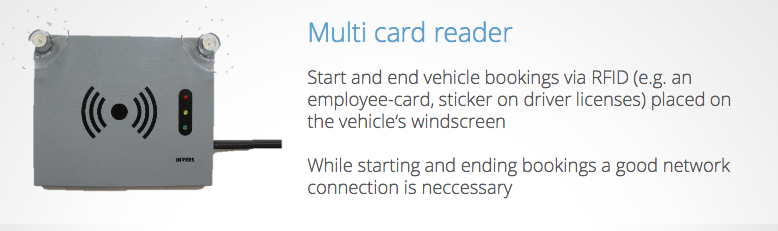
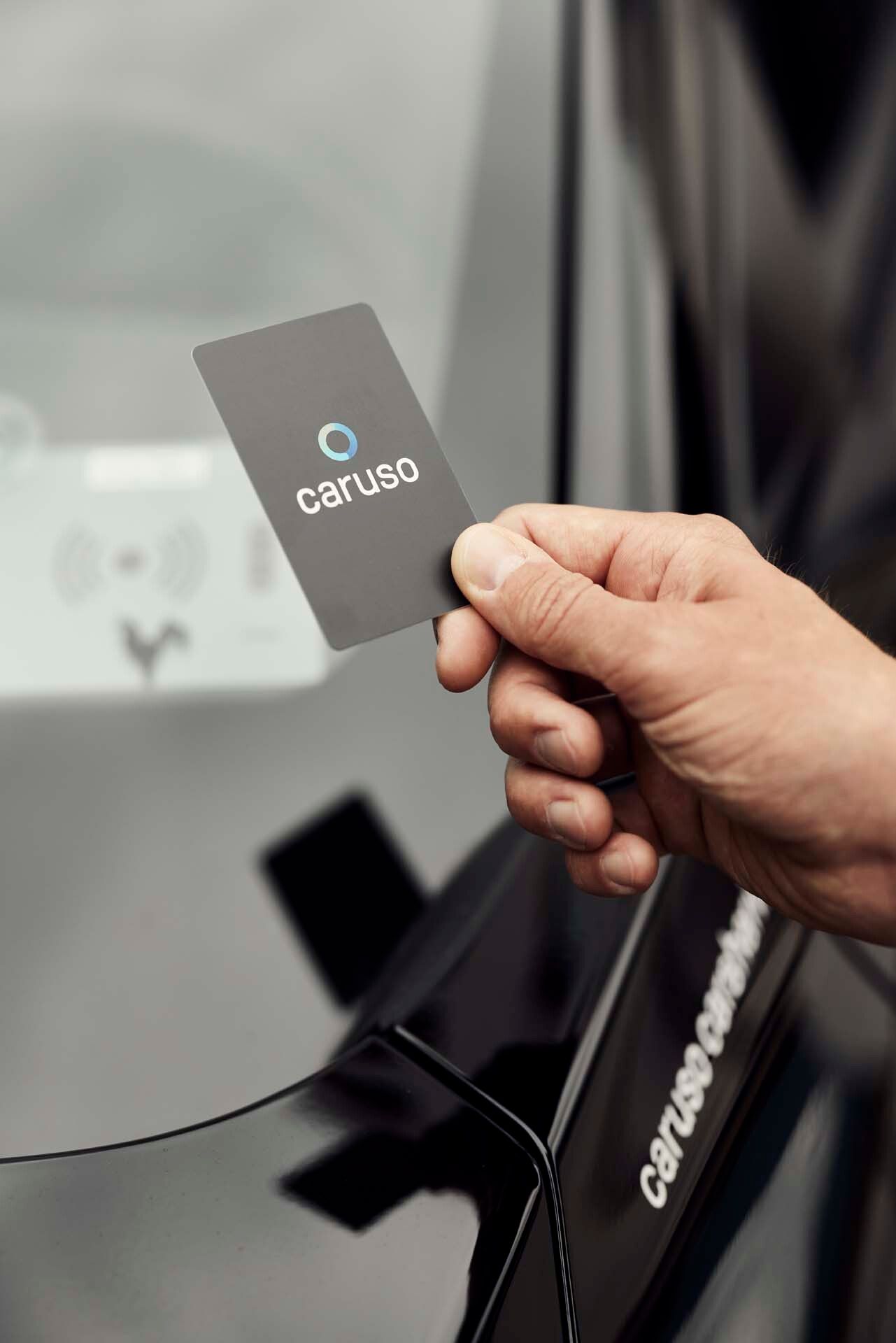
The INVERS RFIDΒ MultiCard Reader can read several types of chip cards: https://help.invers.com/glossary-faq/cloudboxx/multicard-reader/

When ordering chip cards make sure that you also get a CSV that contains the HEX IDs.

We can then import this CSV file for you.

Read also:

  • Assign a chip card to a user

  • Manually record chip cards (INVERS)

  • INVERS emergency handling

Was this helpful?