Invite a user to a group (invitation link)
How can I invite a user to a group so that he/she has access to the vehicles from that group?
Written By Zemtu
Last updated 8 months ago
Overview
Vehicles and users are divided into groups. For each group, it can be defined whether it is public or private. The vehicles of public groups can be used by all accredited users. The vehicles of private groups, can only be used by users of the respective group.
To add certain users to a group, you could use the so-called invitation link. This link can be created by a GroupAdmin or OrgAdmin and sent to selected users (future or existing).
New User
When a new user clicks on the link, they will be redirected to the registration process and will be automatically assigned to the group after successful registration.
User who is already registered
When an existing user clicks on the link, they will be added to the group. The vehicles from this group will now appear in the booking interface.
Where do I find the invitation link?
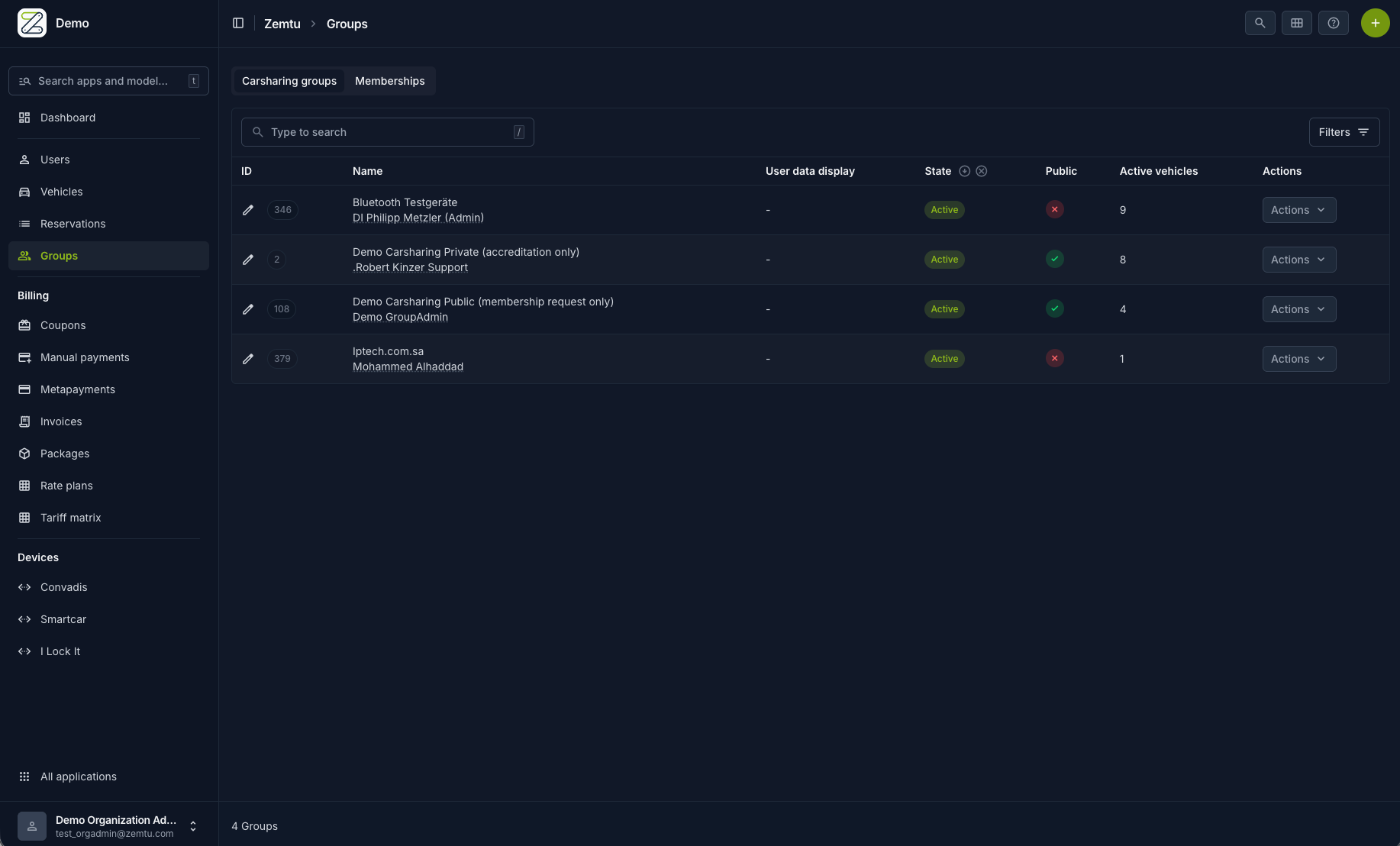
Zemtu → Groups → copy the invitation link → send it to a user
Example
You provide carsharing for a housing community. You create a separate group for the residents, because only they are allowed to drive the vehicle of the housing complex. With the invitation link, you can invite new residents of the housing complex to this group so that they can use the vehicle too.
Questions & Answers
Does the invitation link only work for existing users?
Does the invitation link only work for existing users?
No, the invitation link work for both - non-registered and logged-in users.
Still need help? Share an idea