Manually create a user
Find out how to create a new user via the administration
Written By Zemtu
Last updated 8 months ago
Overview
If you want to create a user as an administrator, different settings need to be made depending on the setup. In addition to the personal data, you can assign a rate plan to the user, whether there are payment adoptions, and if you are working with another system, an external user ID can also be entered.
What steps need to be taken?
Create the user
Zemtu → Users
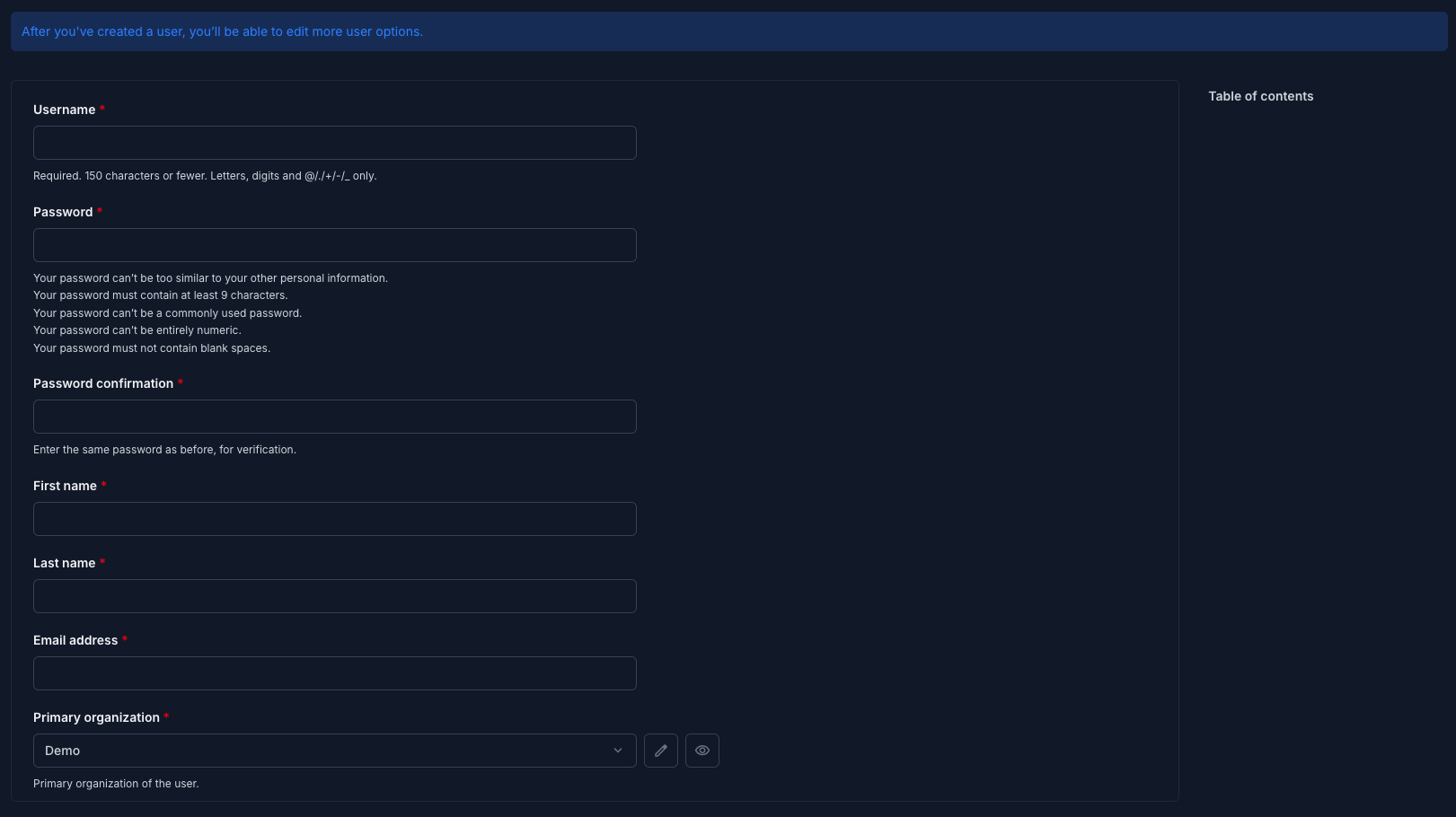
This form is a two-step form. In the first step add a Username, Password, Password confirmation, First name, Last name, Email address and Primary organization.
In the second step you can add a lot more information about the user.
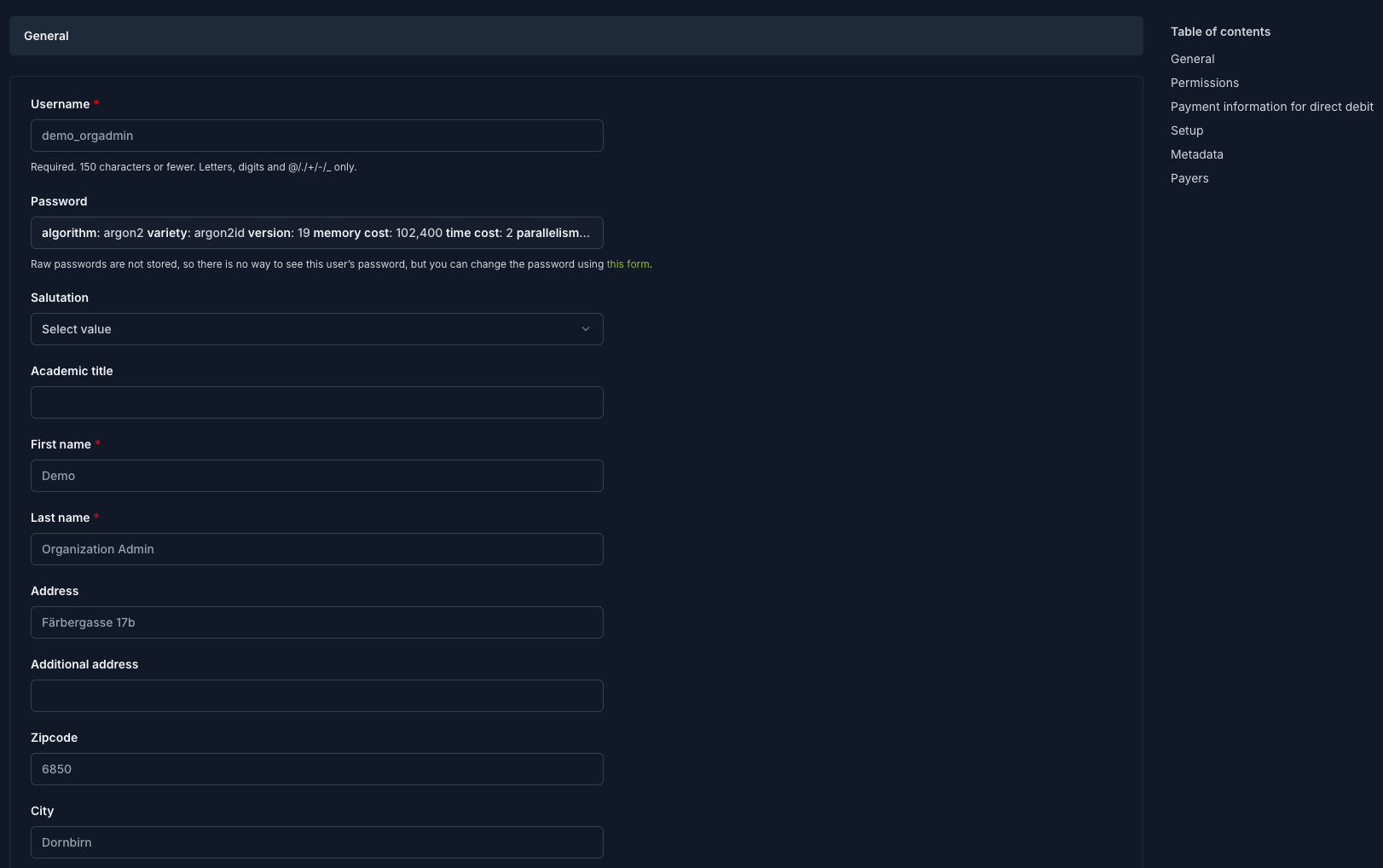
💡 If your users are connected to an external service, go to the tab Setup and add the External user ID.
Optional: Create the Accreditation
Zemtu → Accreditations
If your organization uses the accreditation feature, you need to create an accreditation for this user.
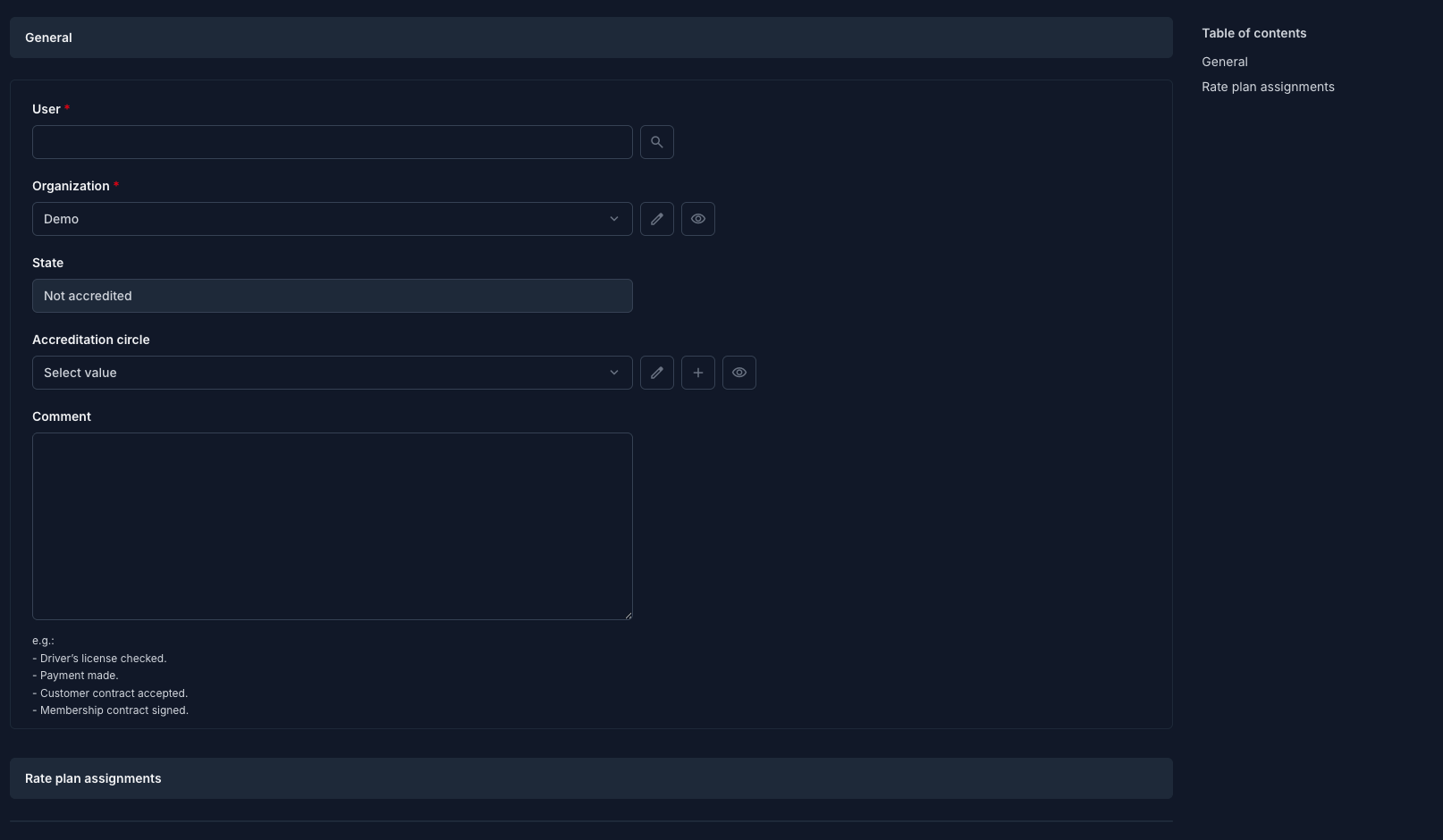
Optional: add a rate plan for this user.
Optional: Add a payment adoption
If another person or company pays the bill for the respective purpose, a payment adoption can be created.
Optional: Add a coupon
Still need help? Share an idea