Failed payments
Here you will find various solutions if a Stripe payment is not working.
Written By Zemtu
Last updated 8 months ago
Get assistance if a Stripe payment fails due to an error or a problem.
Detect the error
An error message appears in Stripe.
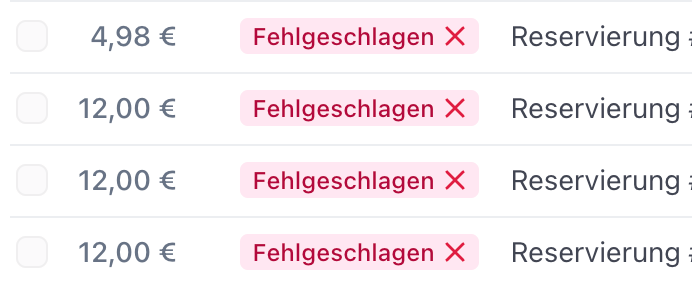
You have received an email from Zemtu with the message Meta payment #0000 returned with errors. → Click on the link sent with the message. The corresponding meta payment will open. Click on the tab: Payment transactions. Here you will find the corresponding payment transactions and their status. If there is an error, it will be displayed here.
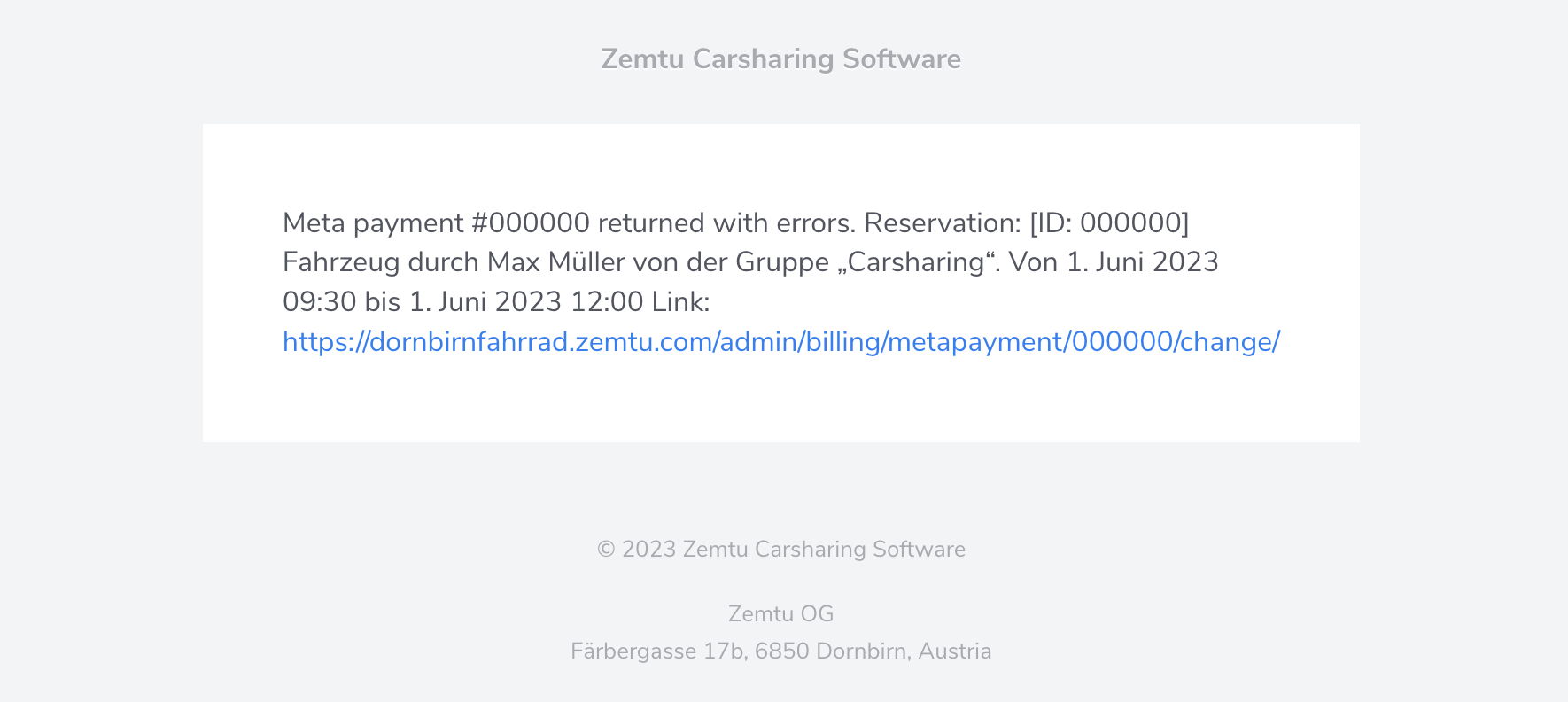
Problem: The user has added a credit card, but payments are not being processed.
"Meta payment #44424 returned with errors." "The payment failed due to an incorrect card number".
What causes this error message?
Invalid card data (card number, expiration date, CVC code).
Card restrictions for online or international payments
Insufficient balance or credit limit
Card blocked for security reasons
Recommended steps to solve the problem:
Re-enter and verify card information.
Check directly with the bank for inactive functions and blocks.
Verify card limit and balance.
Questions & Answers
How long is a retry link valid?
How long is a retry link valid?
An email retry link expires:
After 72 hours.
When the user clicks on the link in the email.
When the OrgAdmin uses the bulk action "Retry selected Meta payments" and the retry fails, a new retry link will be generated and the old one is invalidated.
When the OrgAdmin presses the button "Retry" in the meta payment detail page and the retry fails, a new retry link will be generated and the old one is invalidated.
Still need help? Share an idea