Damage reporting
The different possibilities of how damage can be reported.
Written By Zemtu
Last updated 6 months ago
In the Zemtu system, there are various ways for a user to report damage. The simplest option is via email. Additionally, they can create a custom form using gleap.io that users must fill out. As a premium solution, we collaborate with the platform carvaloo. This solution offers a special device that is installed. With this device, it can be detected when and where damage occurred. The subsequent user is then prompted to photograph that location. This allows for a very precise determination of which user caused damage at what time.
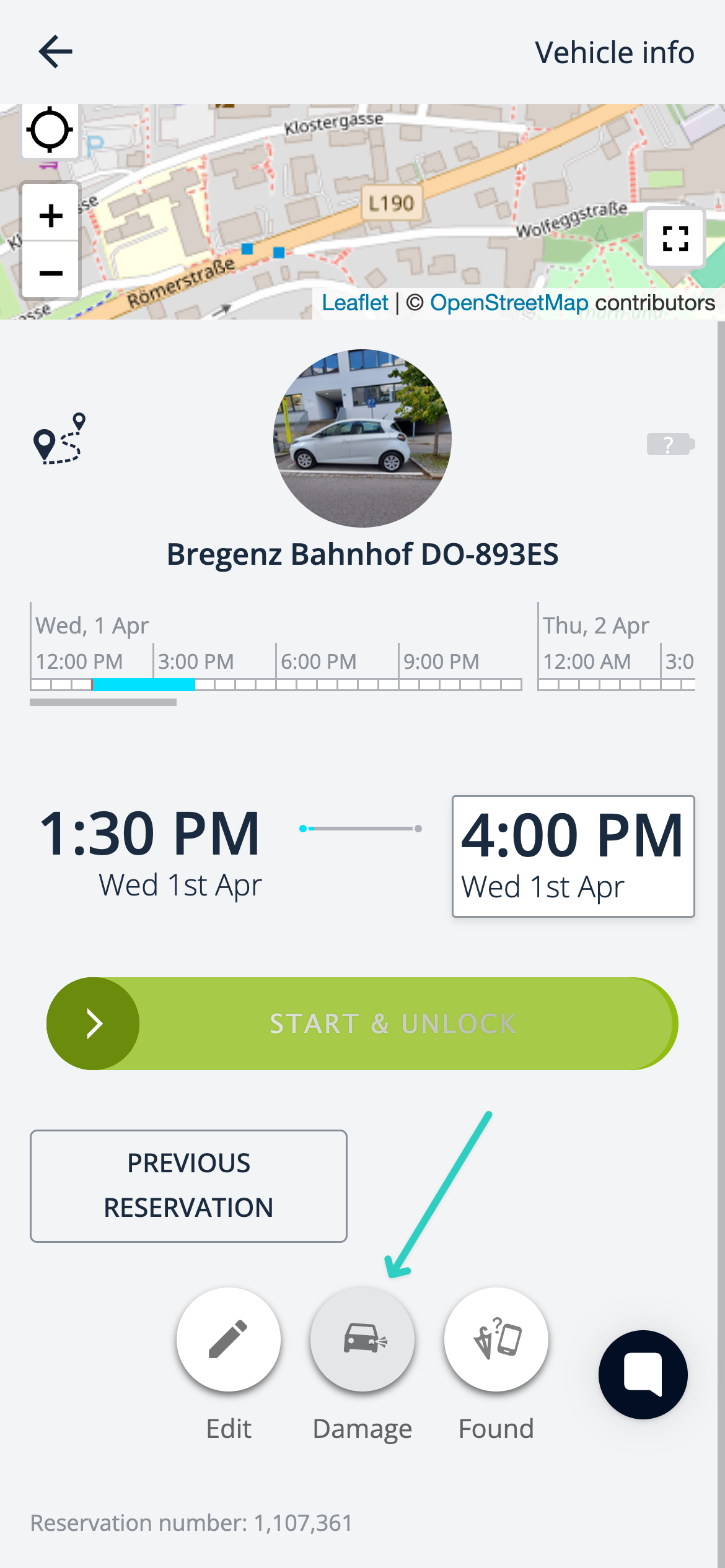
The basic option in the zemtu system is to work with emails. On the access screen, a button is displayed to the user. When clicked, an email opens, allowing the user to send an email with the images to the admin.
Gleap
If you use Geap.io as an integration with the Zemtu system, you have the option to use this integration as a damage management tool.
With Gleap.io you can create custom forms to let users report damages. It can also be used for “Lost & Found” and cashback forms.


Carvaloo
The premium solution from Zemtu is the Carvaloo solution. Cavallo is a dedicated platform for damage management. Three options are offered.
Upload a simple image.
With this solution, you can easily upload images via a button that will be stored on the Cavaloo platform.
Upload image and analysis with AI
In this solution, images are uploaded that are compared with the previous images using AI. If the AI detects damage, it is identified and the administrator is informed. The more images they receive, the better they can determine who caused the damage.
Carvaloo device installed plus upload image via AI.
In this solution, an additional device is installed in the vehicle alongside the INVERS Box. This device can detect damages very well and can also identify where the damage occurred, for example, on the front right. If damage occurs, the subsequent user is prompted to take pictures. These pictures are then uploaded to the platform and compared with the previous ones. This allows for an exact determination of which user caused damage at which location and at what time.
Still need help? Share an idea