Make a group selectable in the signup
How to make a carsharing group selectable in the signup?
Written By Zemtu
Last updated 6 months ago
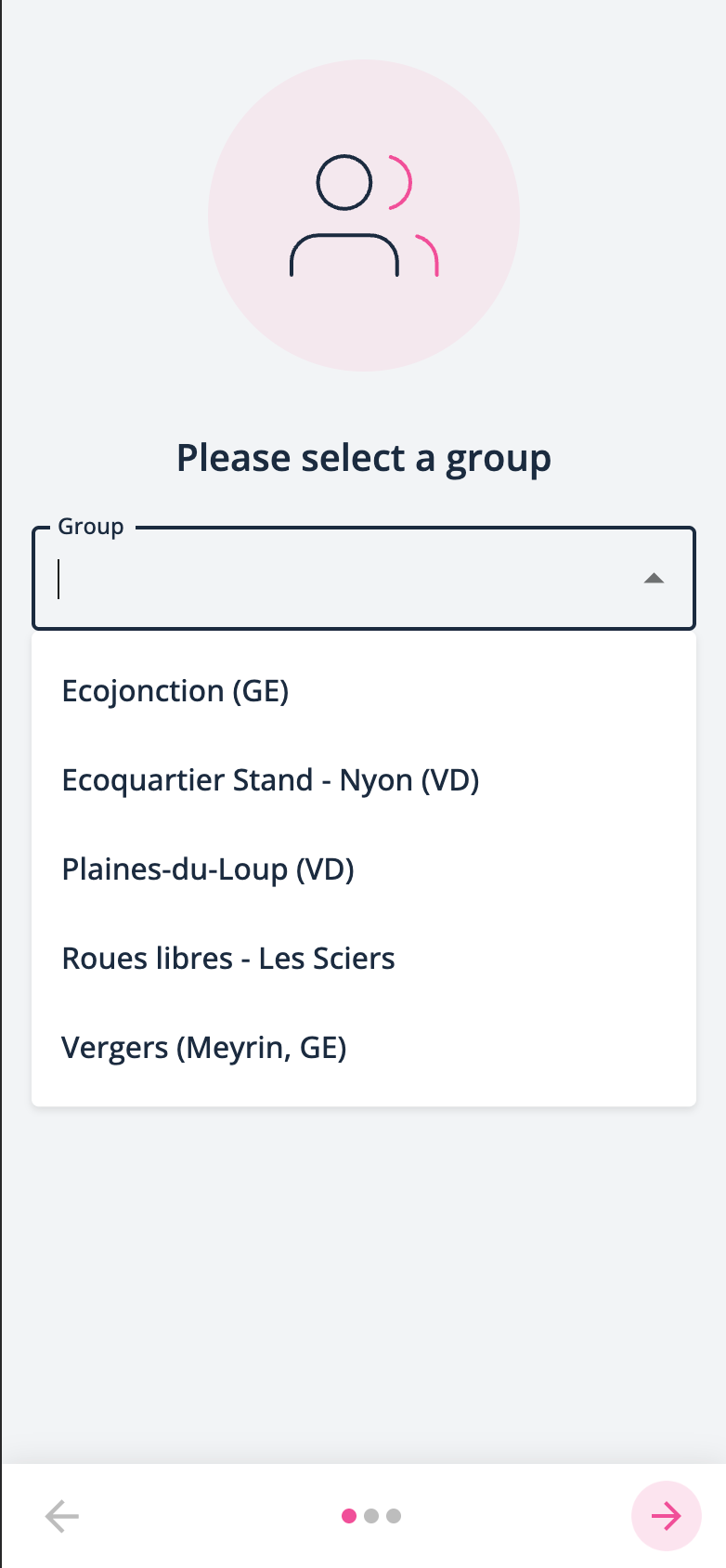
Signup
Carsharing group settings
/admin/main/carsharinggroup/XXXX/change/
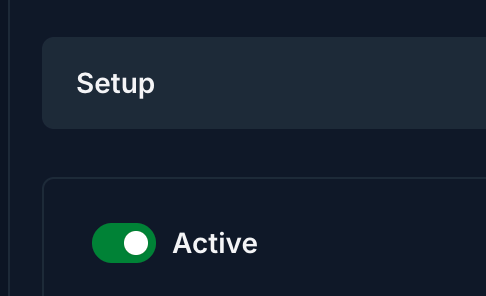
In the section “Setup”, make sure that the group is active:
Set the “Admission mode” to either “Membership request only” or “Membership or accreditation request”:

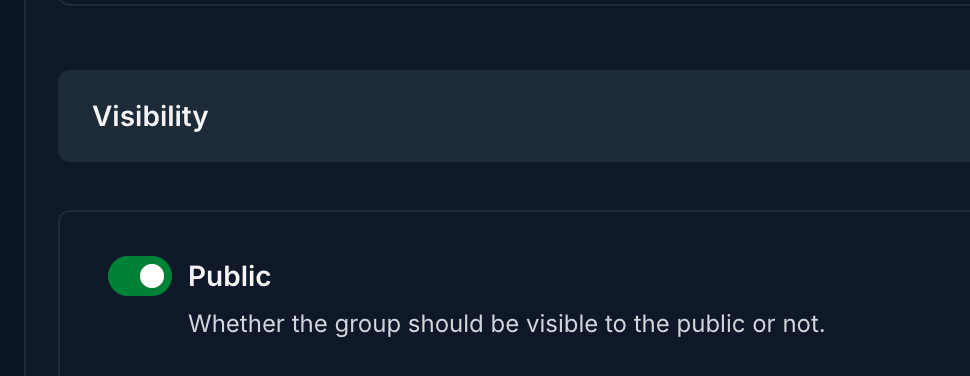
Make sure that the “Visibility” is “Public”:
Site configuration
/admin/main/siteconfiguration/XXXX/change/
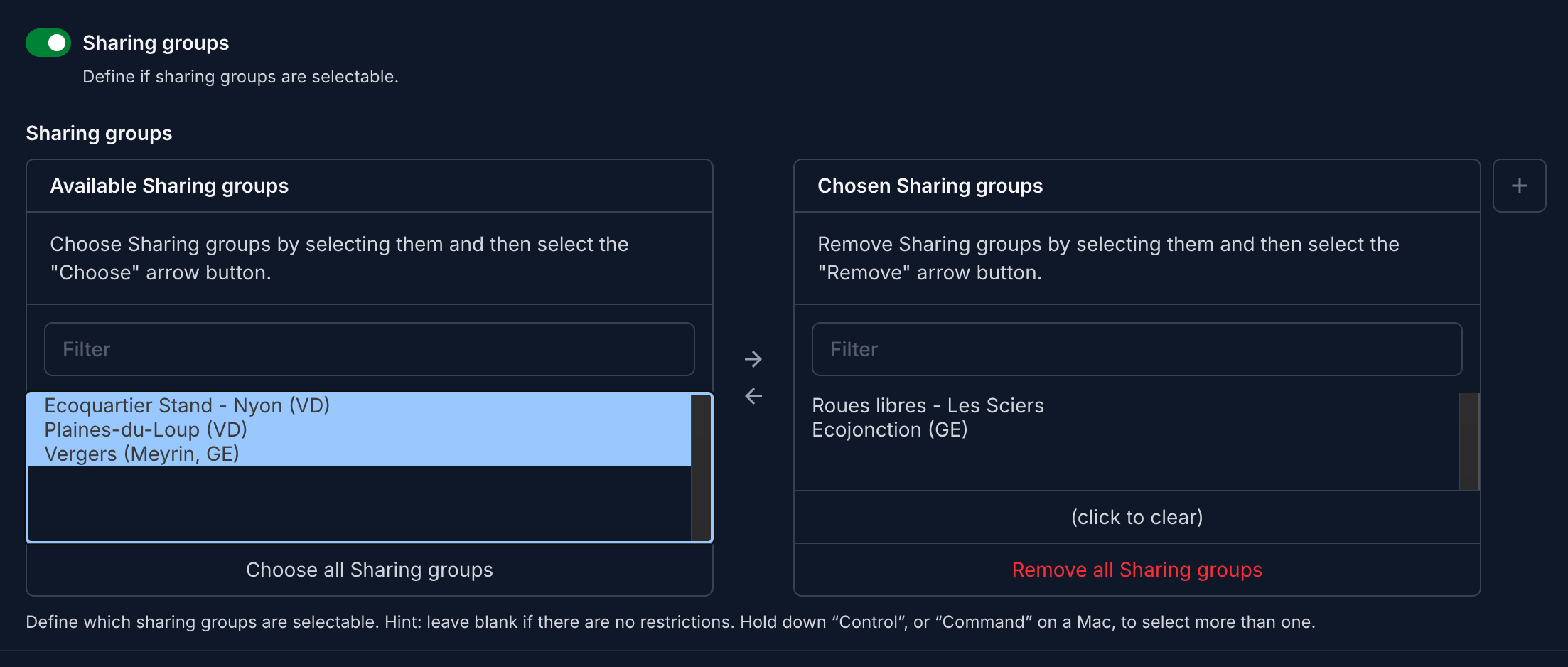
In the section “Signup”, activate the “Sharing groups”:

Then select the “Sharing groups” here:
Troubleshooting
If no group is selectable you might see the error “The onboarding assistant is not available”: