INVERS workflows
How to finish reservations with the key holder in the glove box.
Written By Zemtu
Last updated 2 months ago
With electronic key holder
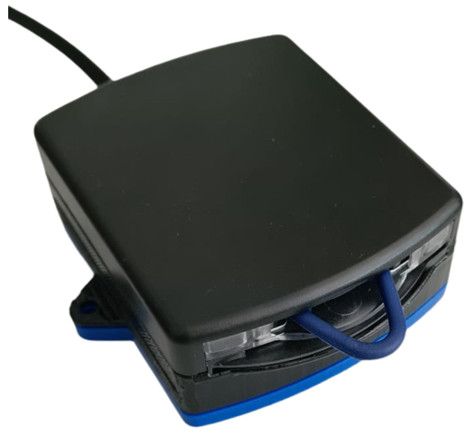
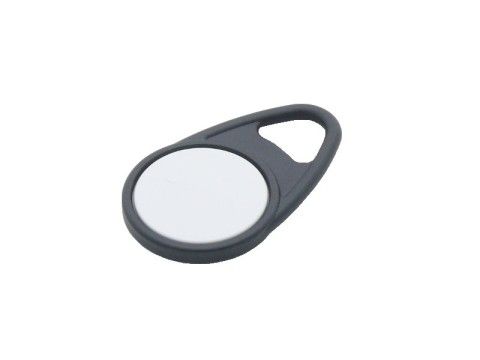
Finishing a reservation with the app
The key fob needs to be returned to the key holder. When the user doesn’t return the key fob into the key holder, then he cannot finish the reservation. The app will display such an error message:
Please put the key back into the key holder.
💡 You can attach the key fob to a normal physical car key, or you could use a (cheaper) service chip card, that can only unlock and lock the vehicle, but not the immobilizer!
The key fob was lost
You can finish reservations on behalf of users here
/admin/reservationstatus/
by confirming this:
Ignore the missing key fob and finish the reservation anyway
❌ No, take me back
✅ Yes, I'm sure
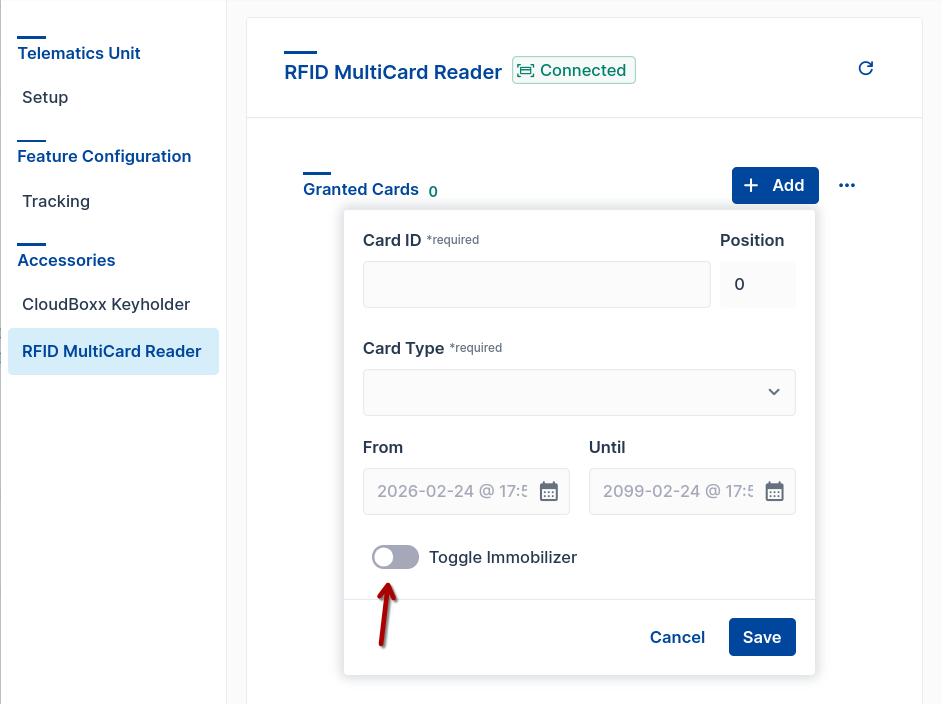
Configure a new key fob
The user needs these permissions in INVERS FleetControl:
Vehicle Offline / Access Grant offline access to vehicles (e.g,. by creating CloudBoxx Bluetooth tokens).
On site: INVERS SmartControl
Use the INVERS SmartControl App
See this help article from INVERS: SmartControl Configuration
Bluetooth nearby
Select box RFID & FOB
Select card 1
Hold it to the reader to learn it.
On site: Chip card reader
Hold the keyfob against the chip card reader in the windshield for the vehicle - not the key holder in the glove box. This triggers an event.
Open the event in FleetControl https://fleetcontrol.invers.com and display the raw data from this event. The raw data then contains the UUID and the type of the keyfob.
The UUID then only has to be entered via the configuration for the corresponding CloudBoxx in FleetControl in the Keyfob Serial Number tab.
Remote / OTA (Over the air)
Keep a list of the key fob serial numbers and the CloudBoxxes they are used in. In case of a replacement you can configure the serial number of the key fob for a CloudBoxx.