Driver’s log
How to export reservations.
Written By Zemtu
Last updated About 1 hour ago
Option 1: File export
You can export some or all reservations as an Excel XLS file.
Reservations → Reservations
/admin/main/reservation/
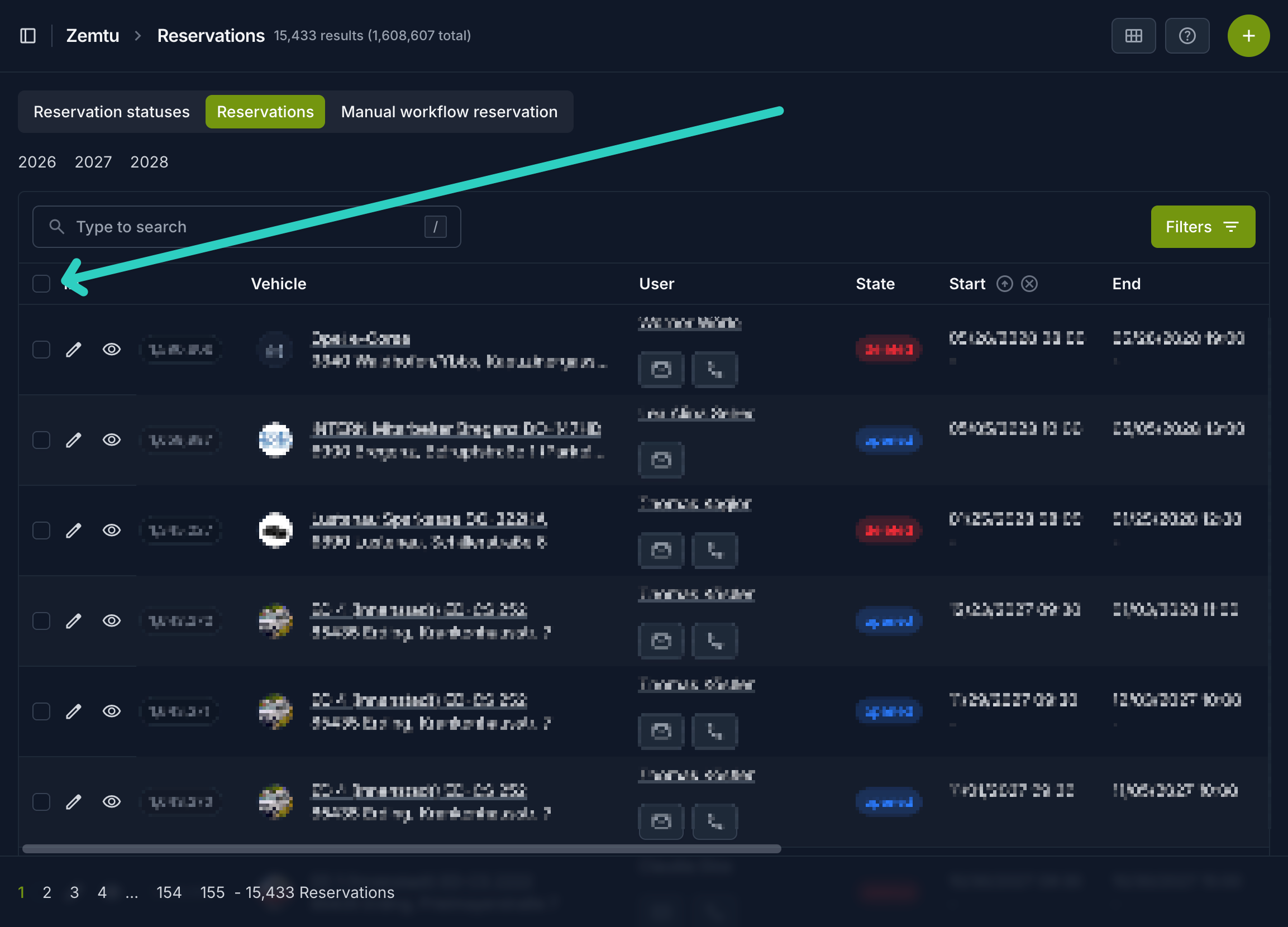
First click the checkbox to select all reservations on the first page.
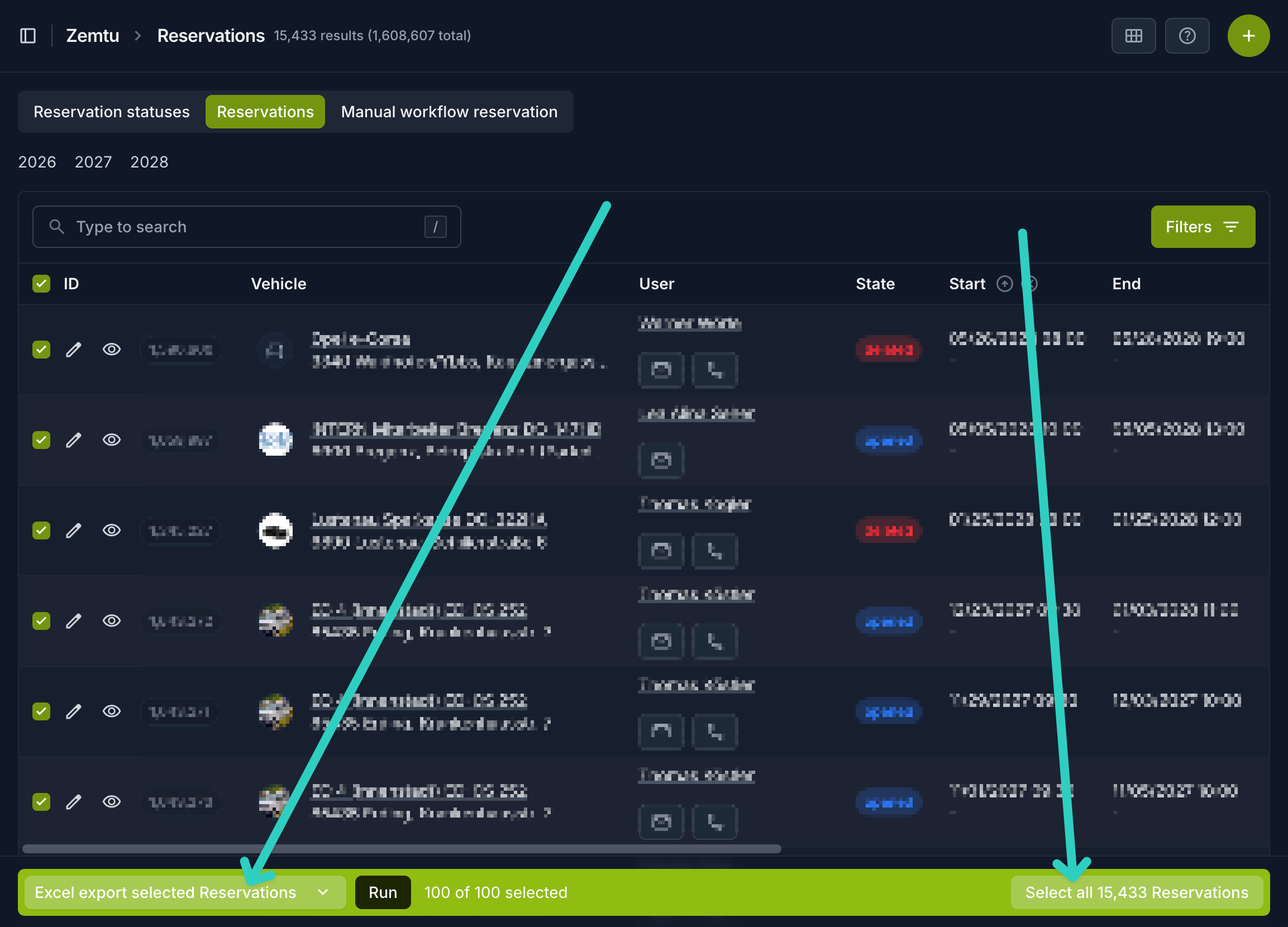
Then click on “Select all X reservations” and choose the action “Excel export selected Reservations“. Then click “Run” to export them to your computer as “reservationexport.xls”.
Option 2: REST API
Was this helpful?
Still need help? Share an idea