Assign an OBU to a vehicle
How can I assign an on-board unit to a vehicle?
Written By Zemtu
Last updated 4 months ago
First add a new vehicle here:
Vehicles → Add vehicle
/admin/main/vehicle/
Then assign a vehicle to the OBU.
INVERS CloudBoxx devices are automatically synced once per day and will appear here:
Devices → Invers
/admin/invers/inversvehicle/
If you have a Convadis vehicle, contact Convadis Support and provide them with the ID of the new vehicle. This will enable Convadis to create a CBox with the same ID in their system.
Create a new Convadis CBox device manually here:
Devices → Convadis
/admin/convadis/convadisvehicle/
Create a new I LOCK IT device here:
Devices → I LOCK IT
/admin/i_lock_it/ilockitdevice/

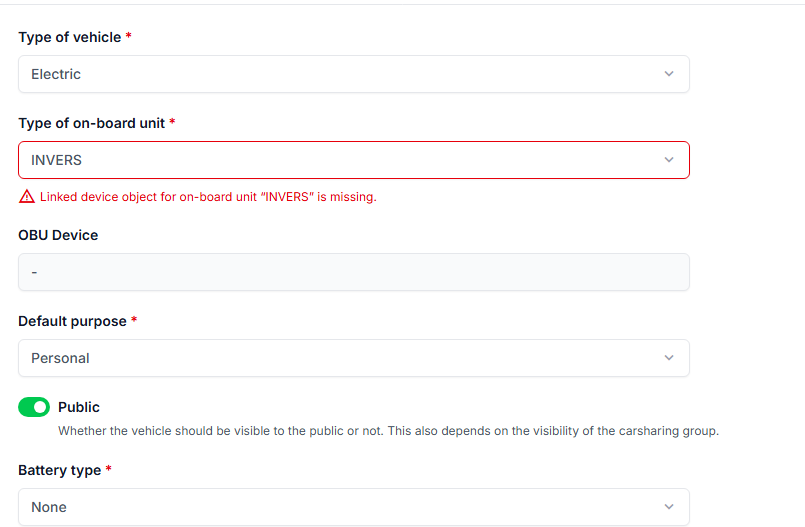
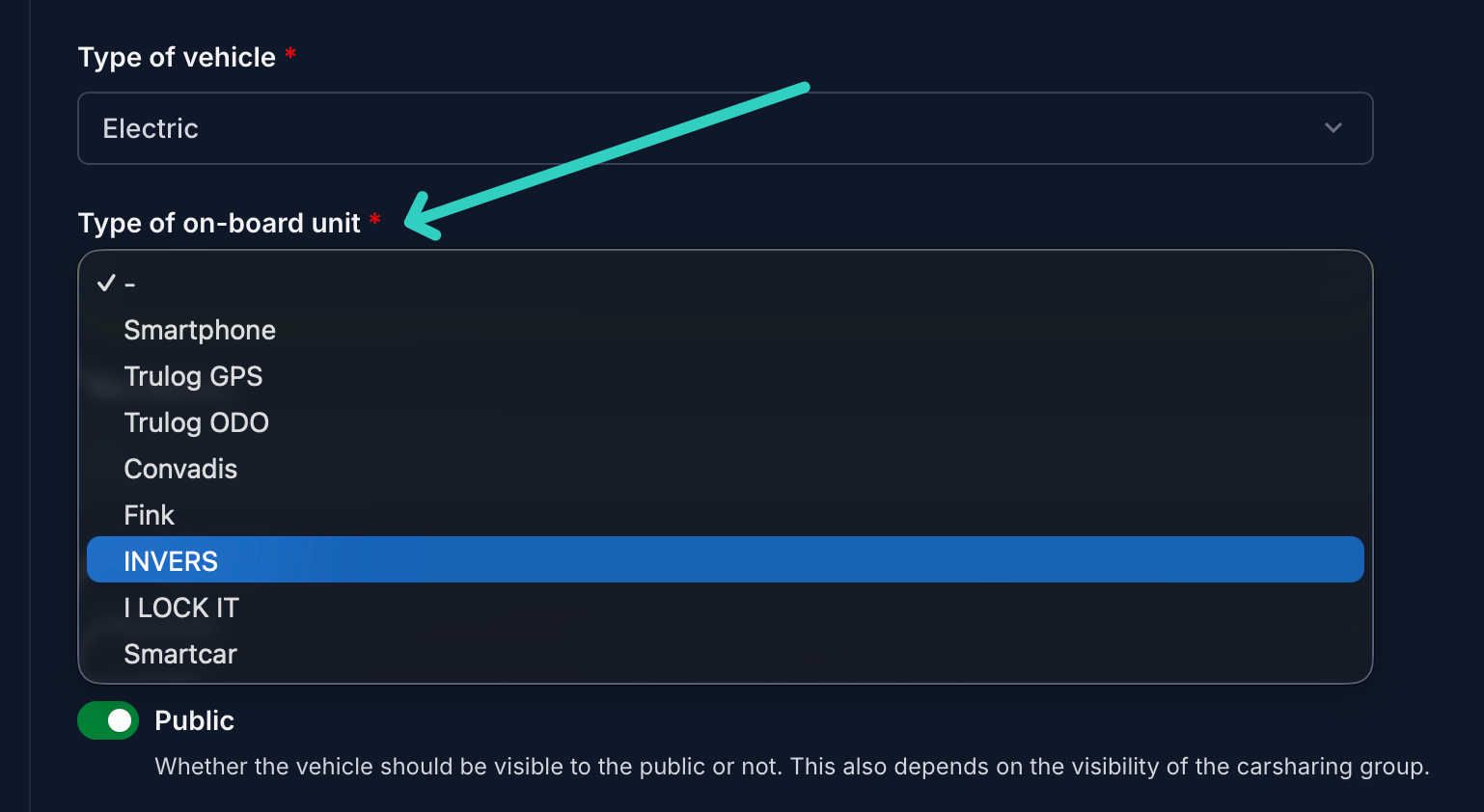
Then select the OBU for a vehicle
Vehicles → Edit
/admin/main/vehicle/
Troubleshooting
When you skip the first step you will see such an error message: