Mobile App 8.3.0 “Combined map list view“
New: 🌟
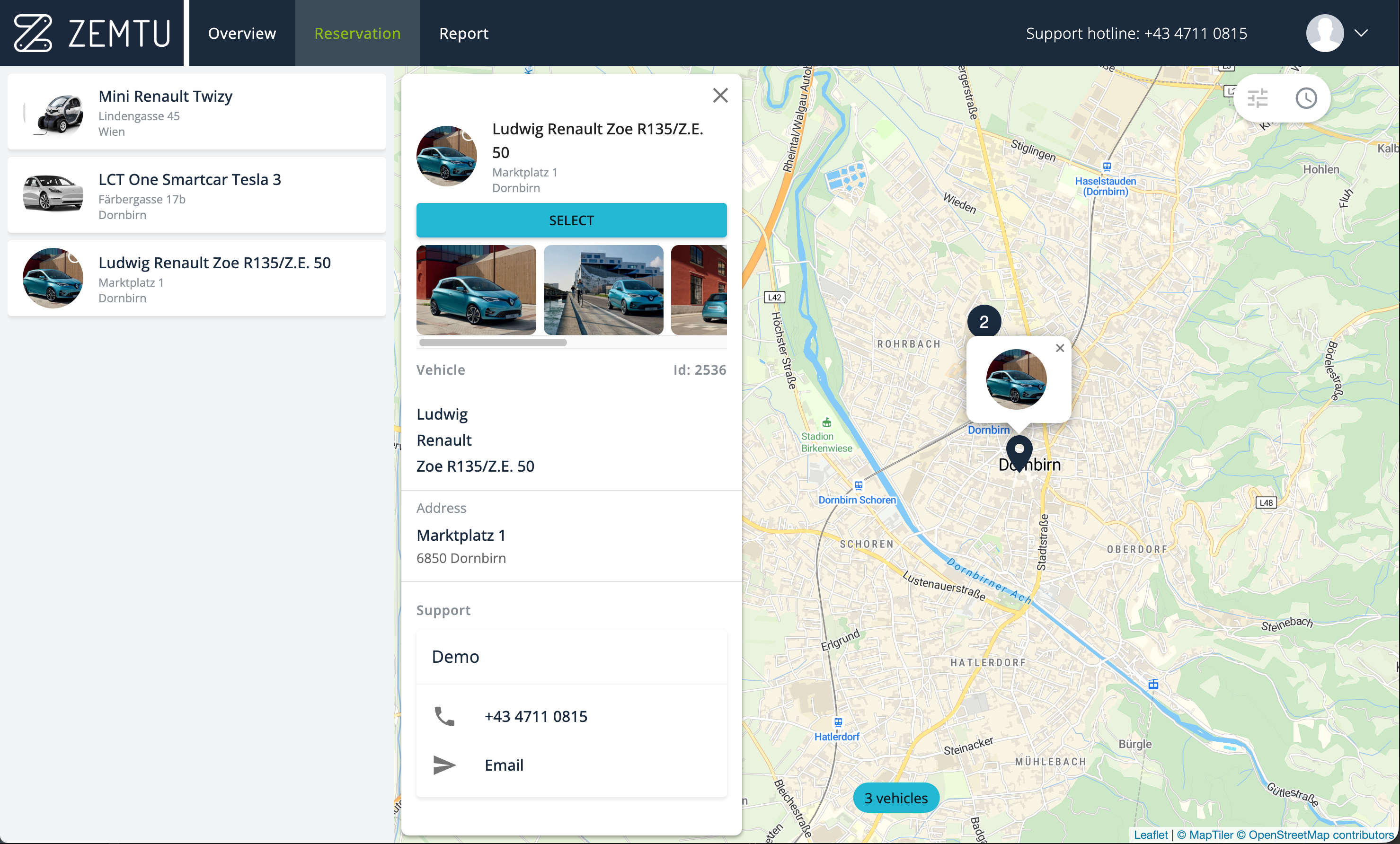
In desktop map view, the combined map list now displays a list of filtered vehicles on the left. In guest mode, this is the only available view.
Rental companies typically use this as their default view, even for logged-in users. This can be configured for you.
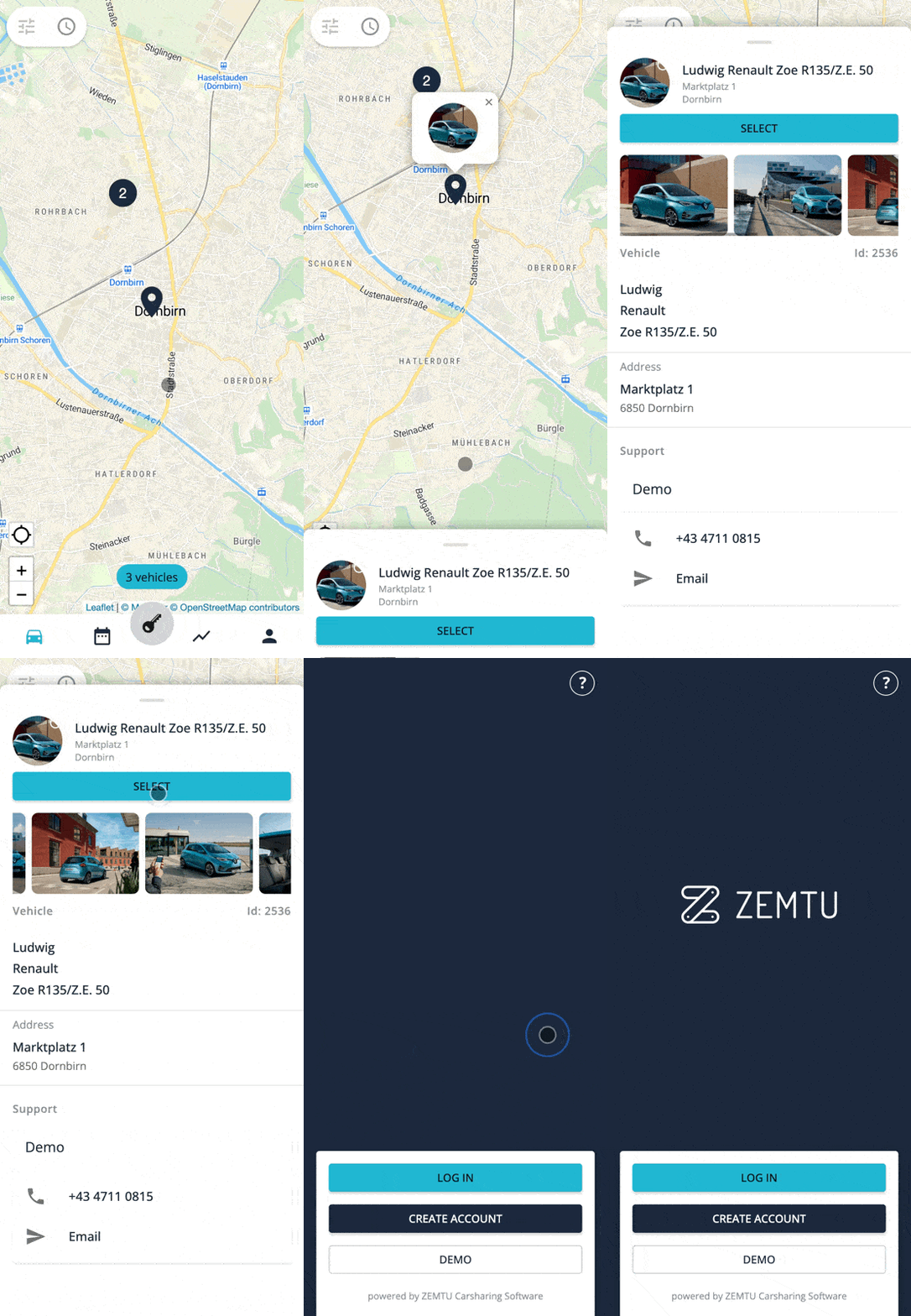
The bottom sheet can now be expanded and also includes vehicle images in guest mode.
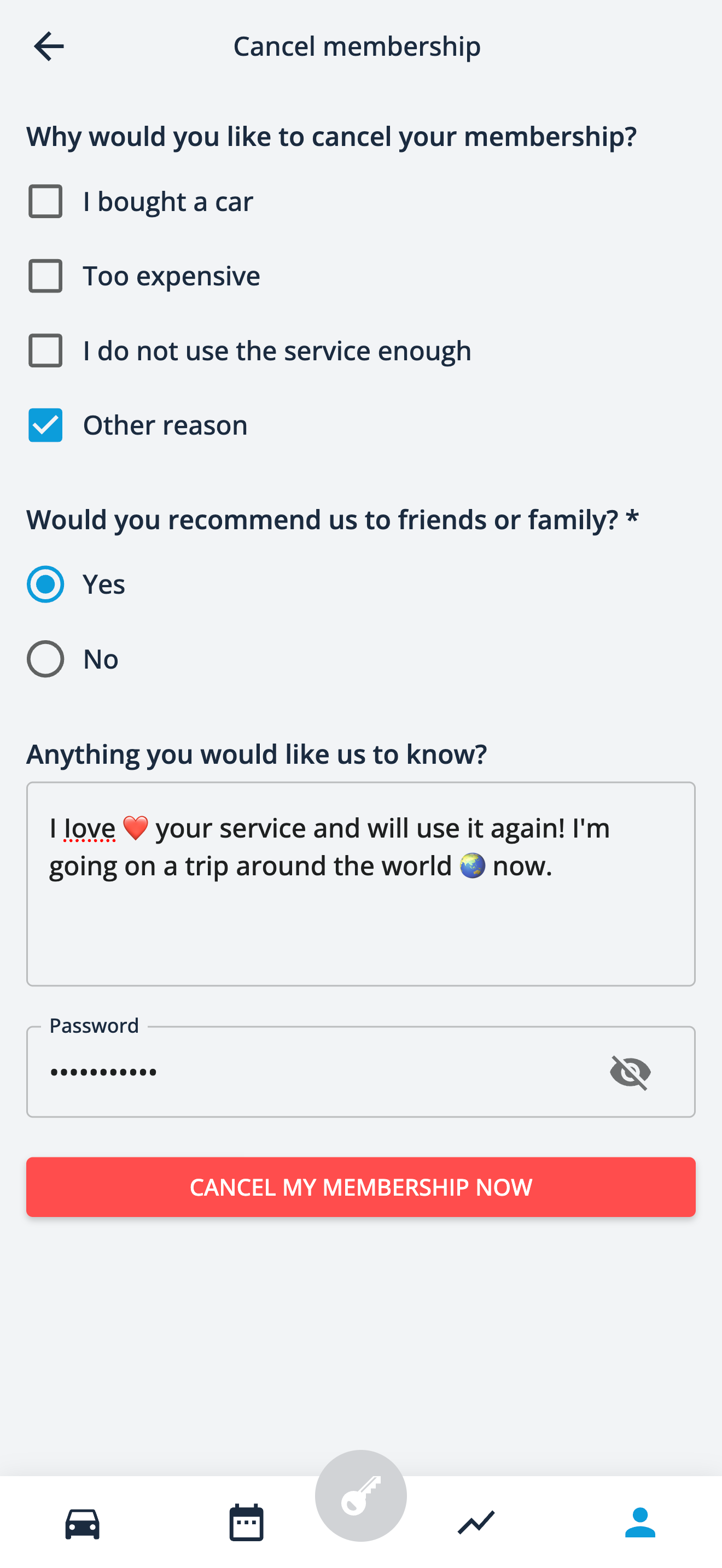
Cancel membership form
Now, when users cancel their membership, you can ask them questions. These questions can be defined in multiple languages. This feature is included in your plan at no additional cost. We will configure it for you. Please click here for more details.
Improvements 🎉
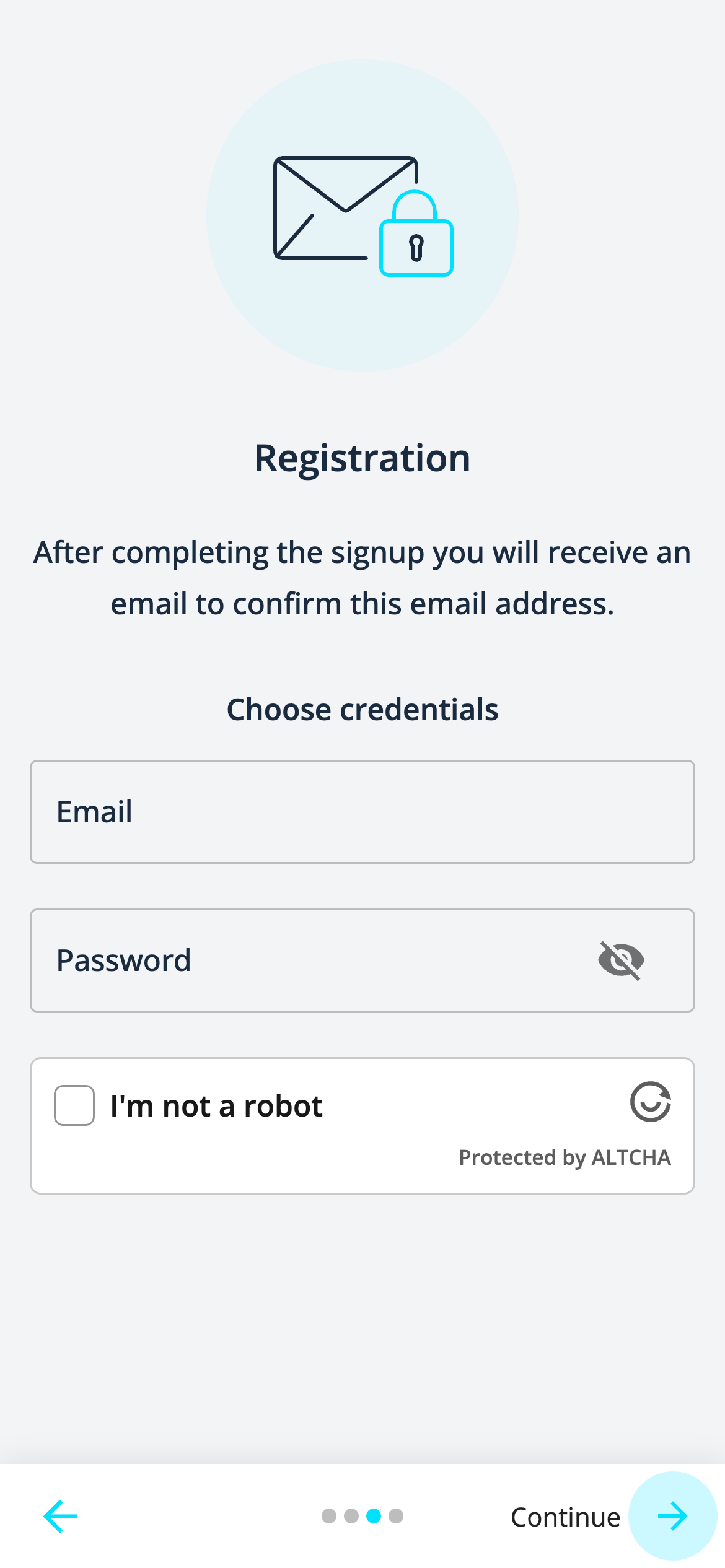
We've added the word "Continue" before the button in the sign-up process to make it clear that this button needs to be pressed to continue to the next page.
All vehicles are now displayed in the list of the combined map list view.
You can now hide vehicle tags.
After finishing a reservation, the Bluetooth icon will be displayed on the report detail page when unlocking or locking a Convadis vehicle via Bluetooth.
There are visual improvements in the presentation of information.